A modded Spotify Car Thing that runs my room's speakers
2026–now · Solo — hardware, backend, UI · Active
Problem
Three Google Cast speakers in one room (a Nest Audio, a Google Home and the TV) each had their own volume, and adjusting them meant using a phone and unbalanced speaker volumes.
Built
A Spotify Car Thing with no WiFi, tunnelled over USB to a Flask server on a Raspberry Pi 2. The server drives all three speakers and proxies Spotify. The dial scales the whole mix, buttons recall presets, and there's a now-playing screen and a playlist grid.
It runs 24/7 on the Pi. After profiling, dial-to-speaker latency fell from 1,177 ms to 84 ms, and idle CPU dropped to under 1% of one core.
What it does
The Car Thing was Spotify’s discontinued in-car gadget: a small touchscreen with a big dial and four buttons. Mine sits on my desk and controls the room.
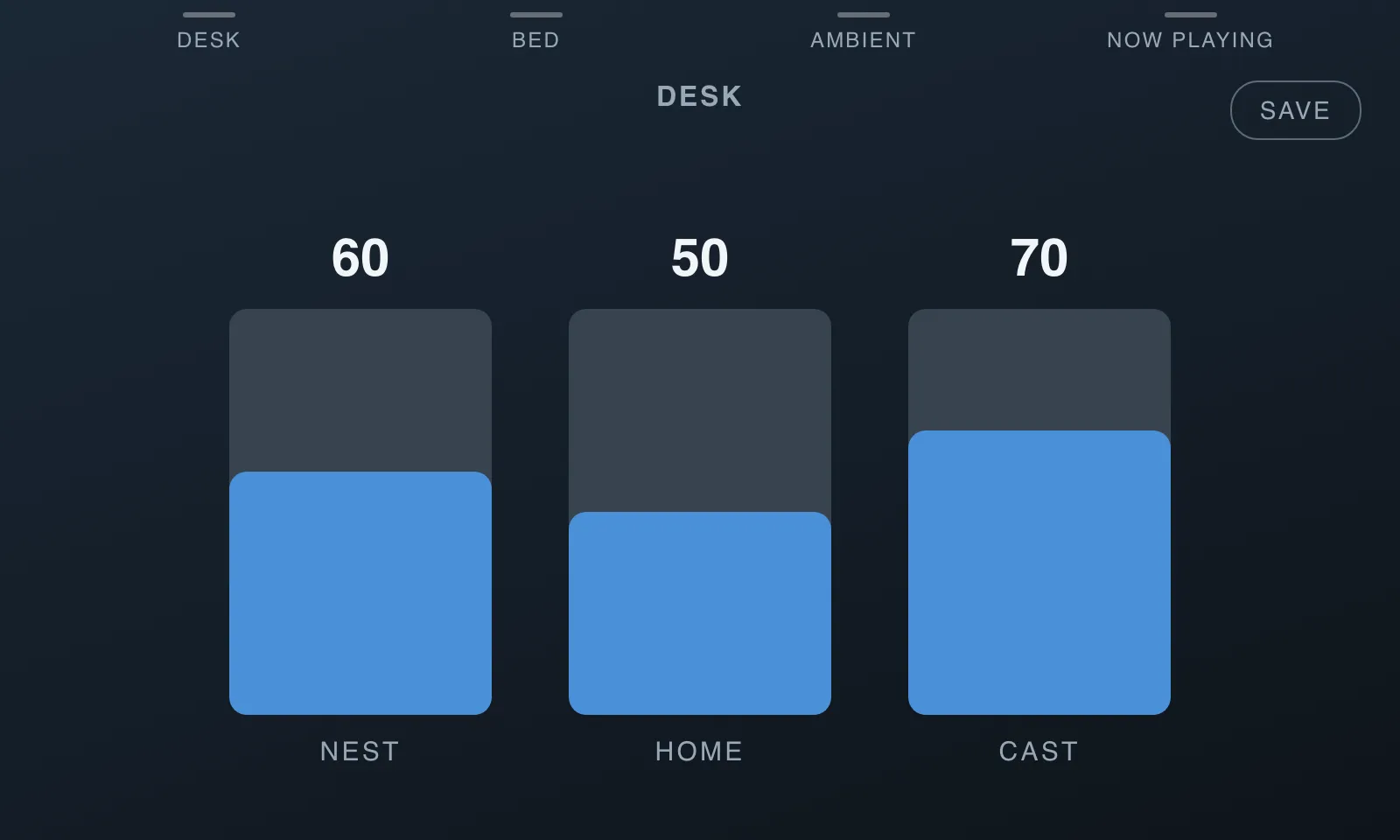
Turn the dial: all three speakers get louder or quieter together, keeping their balance.
Tap a speaker’s fader: the dial controls just that one for a few seconds.
Buttons 1–3: recall presets (desk, bed, ambient). Press save, then a number, to store the current mix.
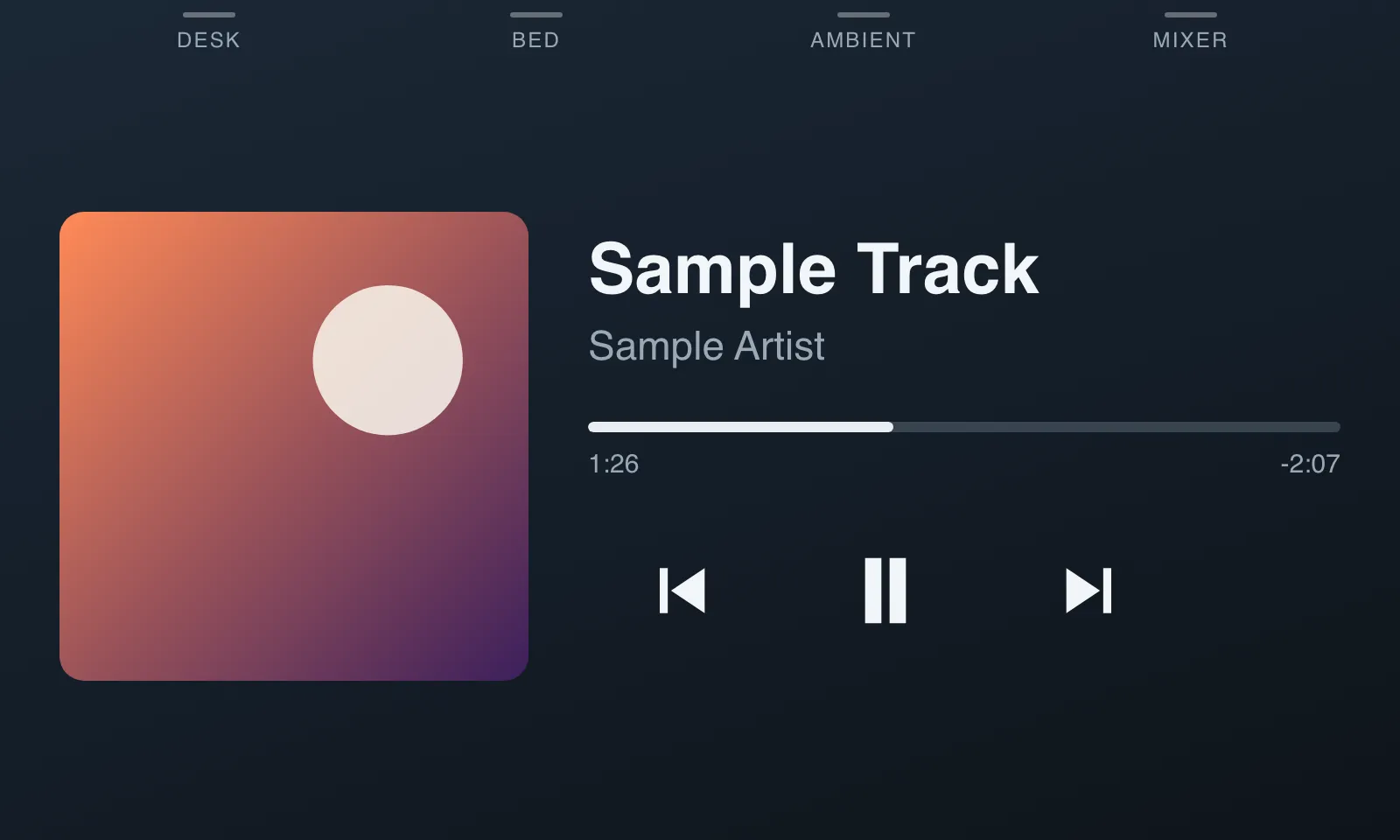
Button 4: flips to a now-playing screen with album art and playback controls.
Back button: opens a grid of playlist covers.
The mixer, with the DESK preset active. Rendered from the device's actual web app, with sample data.
How it works
The Car Thing has no WiFi and no internet, so everything goes through the Pi.
The device runs a single-page web app (vanilla HTML and JS, no build step) in the kiosk browser it ships with, Chromium 69. The hardware buttons arrive over a local websocket, and the dial arrives as scroll events.
A USB tunnel (adb reverse) is the device’s only route to the Pi. A watchdog service keeps it alive.
A Flask server on the Pi keeps one persistent connection open to each speaker, with a writer thread per speaker that only ever sends the latest volume. It also proxies every Spotify call, so no secrets ever touch the device.
systemd restarts everything on boot. The screen turns its own backlight off whenever it can’t reach the Pi.
How the pieces talk. The Car Thing has no network of its own; everything goes through the Pi.
May 2026First version on my Mac, with Home Assistant in Docker, started whenever my monitor was plugged in.
Jun 2026Moved to a Raspberry Pi 2 so it runs 24/7. Added playlists and speaker-group playback.
Sep 2026Tracked down the volume runaway bug, rebuilt the USB tunnel watchdog, and profiled and overhauled performance for the Pi 2.
Sep 2026Fixed Cast connections that died silently, and added a lint and test pipeline (28 tests).
What broke
Making a Pi 2 fast
The Pi 2 has a 900 MHz ARM chip and 1 GB of RAM, and turning the dial felt laggy. Before rewriting anything, I measured: a volume change took 1,177 ms of wall-clock time but only 47 ms of CPU. The server wasn’t slow; it was waiting. So a rewrite in a faster language wasn’t the answer.
The fixes were about waiting less:
Reusing connections instead of reopening them.
Merging a burst of dial clicks into one request (10 clicks became 2 requests).
Caching album art.
Replacing a canvas-drawn UI with plain text.
Before
After
Dial → speaker
1,177 ms
84 ms
Album art
364 ms
86 ms
Now playing
394 ms
225 ms
UI render CPU
5.2%
0.1%
Idle server CPU
~1.3%
~0.8%
What I’d do next
The lint and test pipeline (28 pytest tests, plus linters set up for the device’s old Chromium) is on a branch waiting to be merged. I’ve also started a second screen, an HDMI dashboard driven by the same Pi.