What it does
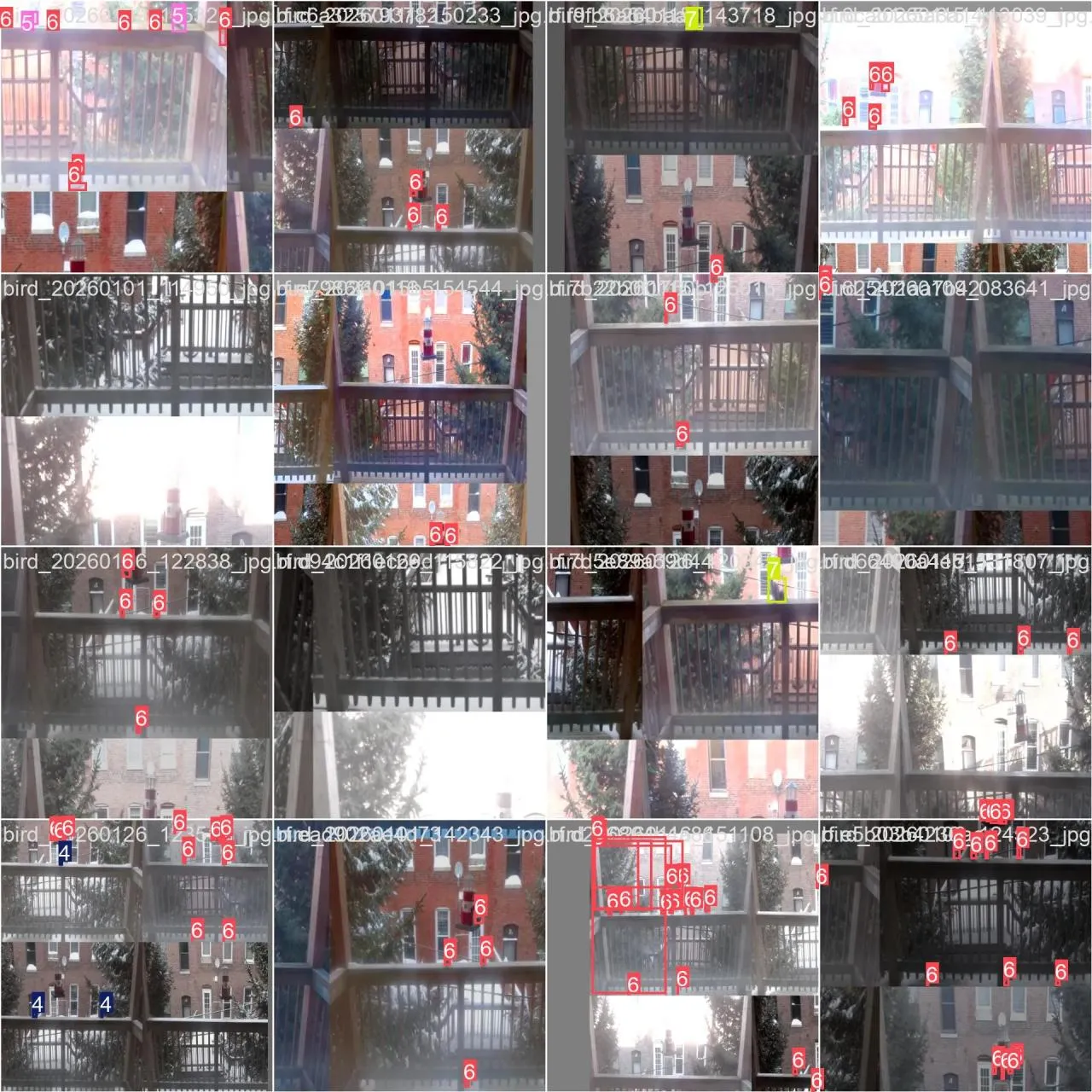
- Capture. A Raspberry Pi 2 with a Logitech webcam watches the feeder. Every few seconds it compares the new frame to the last one, and saves it only if enough pixels changed: a bird arrived, moved or left.
- Collect. New frames go to the cloud, first through Google Drive with
rclone, later straight into Roboflow with its SDK. - Label. In Roboflow, auto-label draws rough boxes and I correct them by hand.
- Train. The labeled set goes to a Google Colab notebook, which fine-tunes YOLOv8n on a free T4 GPU.
- Detect. On my MacBook,
inference.pyruns the trained model on the webcam feed through PyTorch’s Apple GPU backend. It draws a box with the species and confidence on each bird, and logs every session to Weights & Biases.
How it works
The work is split by what each machine is good at. The Pi 2 is far too slow to run a neural network, so it only captures. That also makes it simple enough to leave running unattended for days. Training happens on a borrowed cloud GPU, and live detection runs on the laptop.
Some choices along the way:
- Object detection, not classification. Frames often hold more than one bird, so I needed a location and species for each bird, not one label per photo.
- Colab over a home GPU. I planned a setup on a GTX 1050 Ti at my parents’ house, with Docker, CUDA, a Tailscale VPN and rclone. That would have been a more impressive infrastructure story, but Colab’s free T4 was faster and needs zero maintenance.
- Roboflow’s free tier. It made labeling much faster. The trade-off is that the dataset is public on Roboflow Universe, since the private plan is $249 a month.
Results
Both models are YOLOv8n trained for 50 epochs at 640 px. These are each model’s scores on its own validation set:
| V1 (March 7) | V2 (March 27) | |
|---|---|---|
| Precision | 0.71 | 0.80 |
| Recall | 0.65 | 0.61 |
| mAP50 | 0.65 | 0.67 |
| mAP50-95 | 0.43 | 0.45 |
Validation scores only tell part of the story, though. The live tests below told me more.